A video meeting without the fan racing, an interview transcribed offline, a photo cleaned up in seconds: that is the tangible promise of a PC with an NPU. But should you replace a machine that still works to take advantage of it? Looking ahead to September 2026, the right criterion is not the presence of an “AI” label on the box: it is the work actually accomplished with your applications. Platforms and features already announced provide the basis for a buying guide; the developments discussed here remain forward-looking, not a review of future releases.
A specialized accelerator, not a magic computer
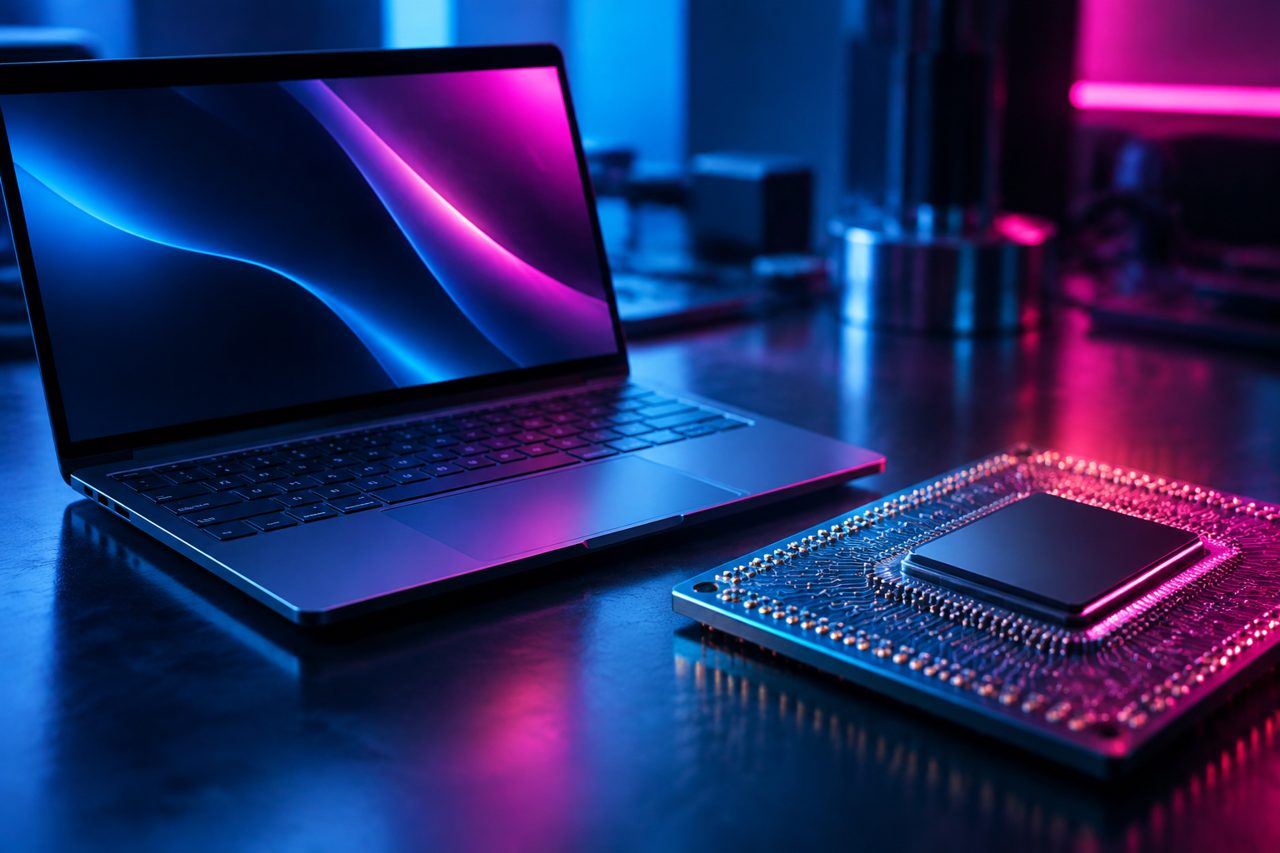
An NPU, or “Neural Processing Unit,” is a chip specialized in certain artificial intelligence calculations. It complements the general-purpose processor, the CPU, and the graphics processor, the GPU. Its main advantage is running compatible models while keeping power consumption low. It therefore does not automatically make your browser, spreadsheet or video exports faster.
Apple has long integrated a Neural Engine into its chips. On the Windows side, Intel Core Ultra, AMD Ryzen AI and Qualcomm Snapdragon X processors have brought this category to store shelves. In 2024, Microsoft launched the Copilot+ PC label, with requirements including an NPU capable of at least 40 TOPS. That threshold defines a category of machines, not their excellence across every use case.
TOPS measure trillions of operations per second under specific conditions. They tell you little about how long it will take to transcribe your recording or cut out subjects in your photos. Architecture, numerical precision, memory and software optimization all affect the outcome. A powerful NPU that your application does not use provides no benefit for that task. And a service accessed through a browser may still do its processing on remote servers.
Video calls: the easiest benefit to observe
This is the most convincing scenario for many employees: several calls every day, sometimes on battery power. Background blur, automatic framing, eye contact correction and noise reduction require continuous processing. Windows Studio Effects have demonstrated the value of assigning some of these tasks to a dedicated accelerator rather than constantly tying up other components.
The expected result is not necessarily spectacular on screen. A blurred background is still a blurred background. The improvement may lie elsewhere: less heat, a quieter fan, more resources available to present a document. But it depends on which effects are enabled and how they are supported. An application’s own filters do not necessarily follow the same processing path as system effects.
To assess a machine, it is better to replicate a real call than watch a demonstration. Use the same brightness, network, software and effects: compare noise, smoothness and battery consumption. The screen, camera and connection also affect overall energy use. An NPU alone does not guarantee an extra day of battery life.
Transcription: local processing is mainly about control over data
Whether you are a journalist, student, doctor or consultant, turning a conversation into text can save considerable time. Local processing offers two immediate advantages: working offline and avoiding routinely sending audio to a service provider. With Copilot+ PC, Microsoft notably introduced live captioning and translation features. Their availability, however, depends on languages, versions and hardware.
Be careful not to confuse instant captioning with professional transcription. A tool may display a conversation without producing a properly punctuated document, identifying speakers or understanding specialized vocabulary. The relevant test is to give it your own source material: rapidly spoken French, varied accents, proper names and a meeting recorded in a reverberant room.
Another pitfall: a local transcription application may rely primarily on the CPU or GPU. The presence of an NPU is not enough to speed it up. Before buying, look for explicit support for the chip and your operating system. Also check whether summarization, search or synchronization send data back to the cloud: “local transcription” does not mean “an entirely local processing pipeline.”
Upgrading your computer becomes justifiable if you frequently process hours of audio, need to work without a network connection or handle sensitive content. For a few interviews each month, software running on your current machine may be enough. Privacy also depends on encryption, backups and access rules, not just where the processing takes place.
Images: the GPU still has plenty to offer
Object removal, subject selection, noise reduction, upscaling: photography already abounds with tools that use machine learning. Some run locally, others on servers. Their “AI” label says nothing about which component they use. In creative software, the GPU often remains crucial for demanding processing tasks, particularly when models and applications have been optimized for it.
An NPU may make sense for a light correction, an interactive effect or a feature built into the operating system. To process hundreds of RAW files, you need to assess the whole package: RAM, GPU, cooling, storage and software engine. A better-balanced machine may finish faster than a model advertising more TOPS, without necessarily delivering the same battery life.
A good test requires only a small folder of your own images: portraits, a night scene and a detail-rich image. Time your usual operations, then examine the results at full resolution. Fast noise reduction that erases the texture of a face is not progress. Also check the permitted resolution, any credit requirements and whether the features work offline.
Compatibility comes before specifications
The real obstacle remains software. To use the NPU, an application needs an execution path compatible with the hardware and its tools. A feature offered on one platform is not automatically available on another. On Windows PCs with ARM processors, also check your drivers, peripherals and specialized software: emulation does not resolve every incompatibility.
Three scenarios to guide your decision
- Your computer is nearing the end of its life: prioritizing a modern NPU can prepare you for future uses without sacrificing screen quality, memory or repairability.
- Your machine still meets your needs: demand a measurable benefit in an application you actually use before replacing it.
- Your work depends on a specific feature: test the exact model with your files and privacy requirements.
An acceptable price premium depends on the time saved and the improvement in everyday use. Subscriptions must also be factored in: buying the hardware does not necessarily unlock every feature. And replacing a computer prematurely carries an environmental cost that a few more energy-efficient calculations do not automatically offset.
What next? For September 2026 and beyond, the most credible scenario is local AI gradually becoming part of everyday tasks, rather than an instant revolution. If software developers make NPU support widespread, its usefulness should become more tangible. In the meantime, buy proven capability, not a promise: a working day with your software will tell you more than a logo.